
AI-IPTV Free IPTV Apps for Easier Daily Streaming
Cable costs keep rising, and viewers want more freedom on devices they already own. AI-IPTV presents itself as a service built around free IPTV apps, live sports, movies, TV series, and catch-up viewing.
That idea is easy to like. You want to watch on the TV now, then keep going on your phone later. Here's what stands out, plus what to check before you sign up.
What AI-IPTV's free IPTV apps let you do
At its core, AI-IPTV promotes app-based viewing without cable hardware. The pitch is simple, live TV, on-demand titles, and replay features in one place.
Watch live sports, movies, and series in one place
For sports fans, missing kickoff or the final minutes is frustrating. AI-IPTV leans on that pain point by pairing live matches with movies and series, so viewers don't have to bounce between multiple services.
The site also pushes broad content choice. That matters because a large library only helps when access feels easy and familiar.
Use catch-up and replay features when your schedule changes
Catch-up TV is built for real life. If you're late getting home, replay tools can help you restart an event or watch key moments after the fact.
That's a strong draw for people with busy evenings. It turns missed time into delayed viewing, not a total loss.
The main devices AI-IPTV apps are built for
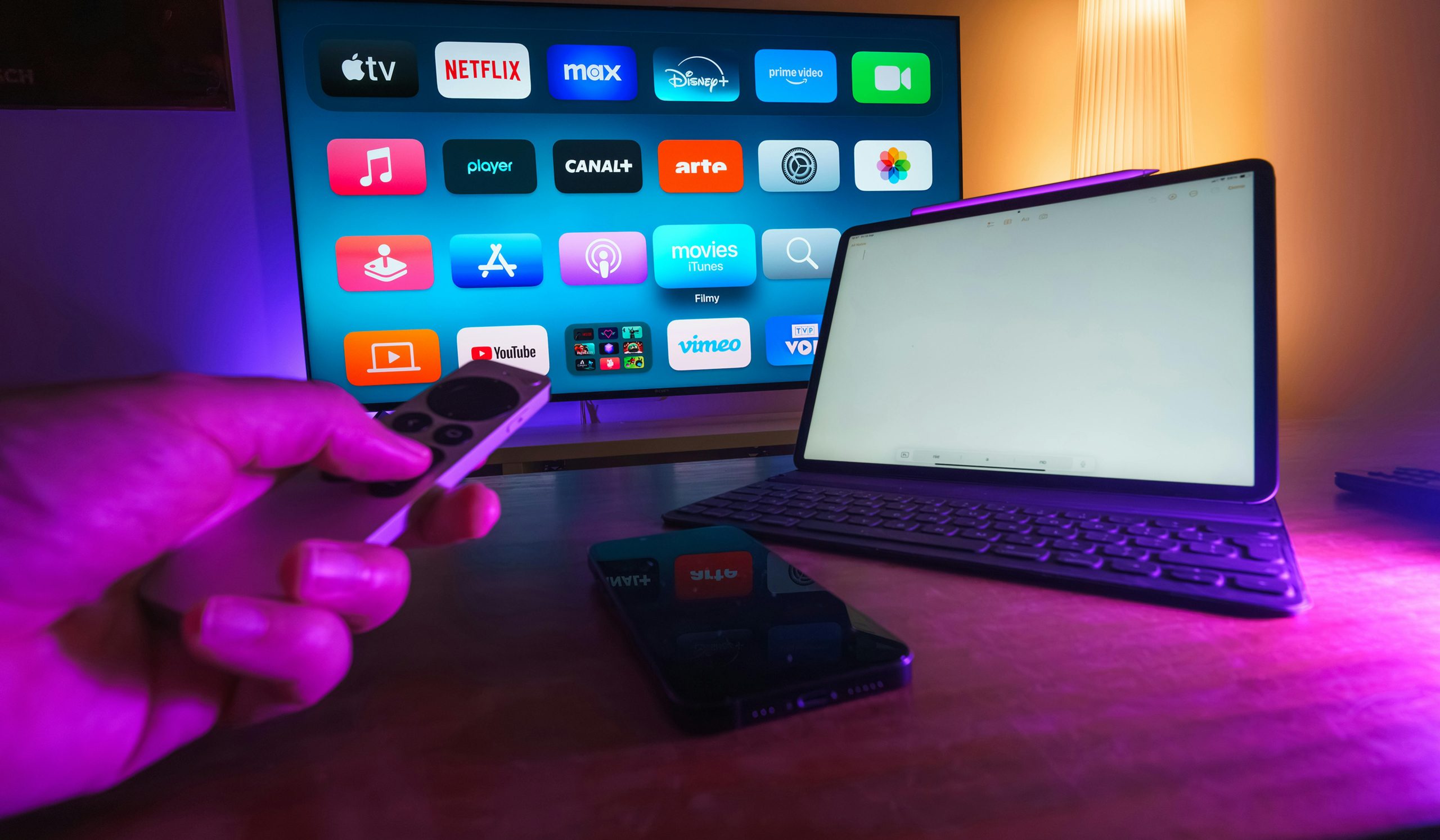
Device support is a big part of the appeal. Based on the site, the apps are meant for smartphones, tablets, Android TV boxes, and IPTV streaming sticks.

Easy viewing at home or on the go
That flexibility fits normal routines. You might start a movie in the living room, check scores on a phone, then finish an episode in bed.
Single-device and multiroom options for different households
AI-IPTV also mentions single-device and multiroom choices. That can suit a solo viewer, or a family watching in different rooms.
What to check before you download and use any IPTV app
Before paying, pause and verify the details. As of April 2026, current web results don't show clear third-party news or reviews for AI-IPTV itself, so it's smart to compare its claims with a guide to avoiding IPTV scams.
Confirm setup help, app access, and support channels
The site says setup help and a Discord group chat are available. Still, confirm how app downloads work, which devices are supported now, and what help you get if setup goes wrong.
Make sure the service is transparent about content rights
Also look for clear terms, contact details, and lawful content access. For a wider view of the market, check current IPTV service comparisons for 2026 before you make a choice.
Free apps
AI-IPTV highlights several player options, including Horizon app, XCIPTV App, Smarters app, IBO Player app, westream app, and a VPN App. That's useful, but you should still confirm which apps work with your device and how sign-in is handled.
AI-IPTV's free apps may appeal most to viewers who want flexible viewing across common devices, especially for live sports and catch-up TV.
Before choosing a plan, verify today's app access, support options, and service terms on the official site.