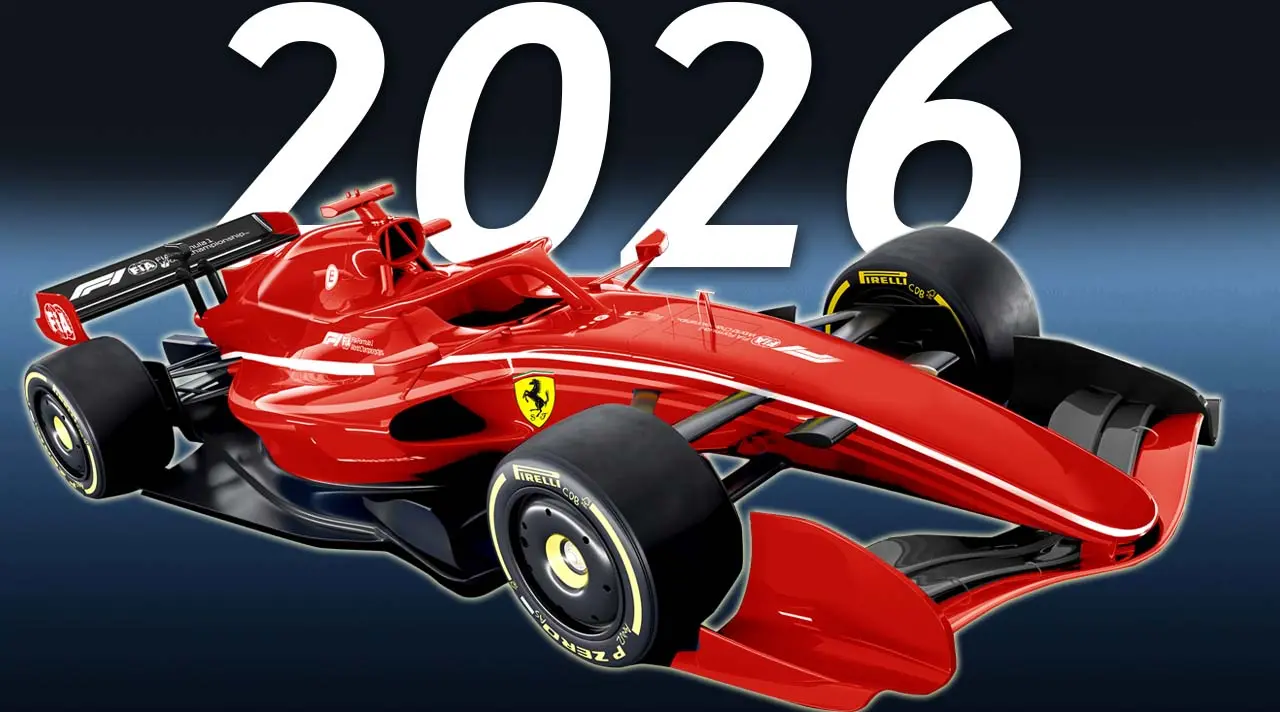

Watch Live Formula 1 Without Missing a Session
If you want to watch live Formula 1, the hard part usually isn't finding a race. It's finding a simple, legal option that works on your device and doesn't fall apart five laps in.
That gets tougher on sprint weekends, early-morning starts, and busy race calendars. A little planning helps a lot, especially if you want practice, qualifying, and replays, not only the Grand Prix.
Here's how to pick the right live F1 option, set it up well, and get race-day viewing that feels easy.
Know what Formula 1 sessions you can watch live
A Formula 1 weekend is more than Sunday lights out. If you only look for the race, you may miss the best storylines.
Practice, qualifying, sprint, and race day explained
Practice sessions help teams dial in pace, tire use, and setup. For fans, practice gives early clues. You can spot which car looks stable, which driver is pushing, and which team may be in trouble.
Qualifying is where the pressure spikes. One mistake can drop a driver rows back, so many fans treat qualifying like a main event. Then there are sprint weekends, which add more points-paying action before Sunday. If you want a quick overview, ESPN's sprint format explainer lays out how those weekends work.
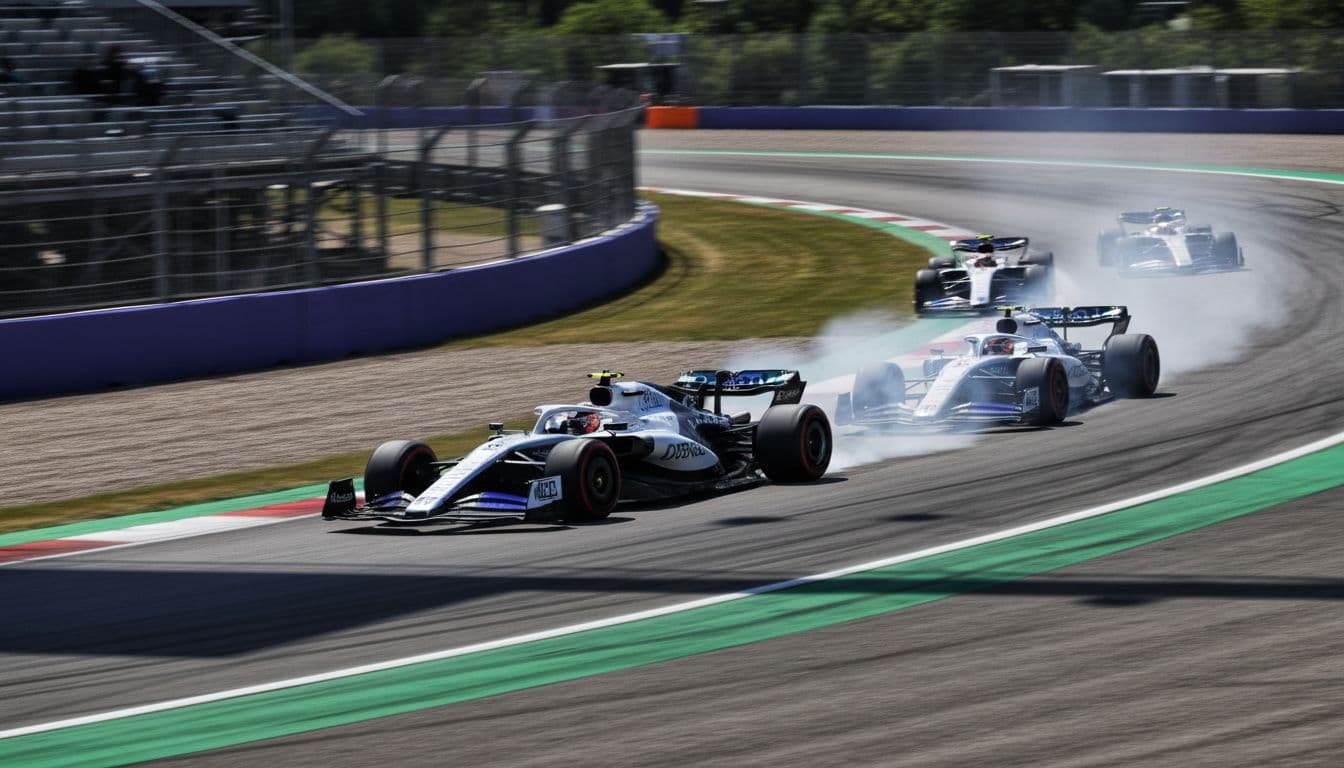
On a normal weekend, the flow is simple: practice, qualifying, race. On a sprint weekend, the schedule feels tighter, and the stakes arrive sooner. That matters because the best streaming plan is the one that covers the full weekend, not only race day.
How race times change by country and time zone
F1 races move across the globe, so start times swing all over the clock. A race in Europe may land early in the morning in the US. Australia or Japan can mean a very late night, or an alarm clock that feels like a pit lane wake-up call.
Because of that, always check a current calendar and local TV listing before race weekend. A reliable source like the Sporting News F1 2026 TV guide and race calendar can help you confirm what airs live in the US.
Missing the start by five minutes can feel like walking into a movie after the best scene.
Set phone reminders, turn on app alerts, and double-check whether pre-race coverage begins earlier than the listed green-flag time.
Best ways to watch live Formula 1 at home or on the go
Once you know which session you want, the next step is choosing how to watch it. The best option depends on where you live, what device you use, and whether you want replays.
Official TV channels and streaming apps for live F1 coverage
Broadcast rights change by region, and they can change by season too. In the US, that matters more than ever. Cable sports channels, official motorsport platforms, and newer streaming deals can all affect where live races appear.
For example, some US viewers are following reports about Apple TV's role in Formula 1 coverage, and 9to5Mac's guide to watching F1 on Apple TV is useful if that's part of your plan. Still, rights can shift, so confirm the current listing before you subscribe.
Some fans also prefer sports-focused live TV services or IPTV-style setups because they want one place for channels, replays, and a built-in guide. That can work well, but compare them carefully. Live access matters, yet replay support and channel stability matter too.
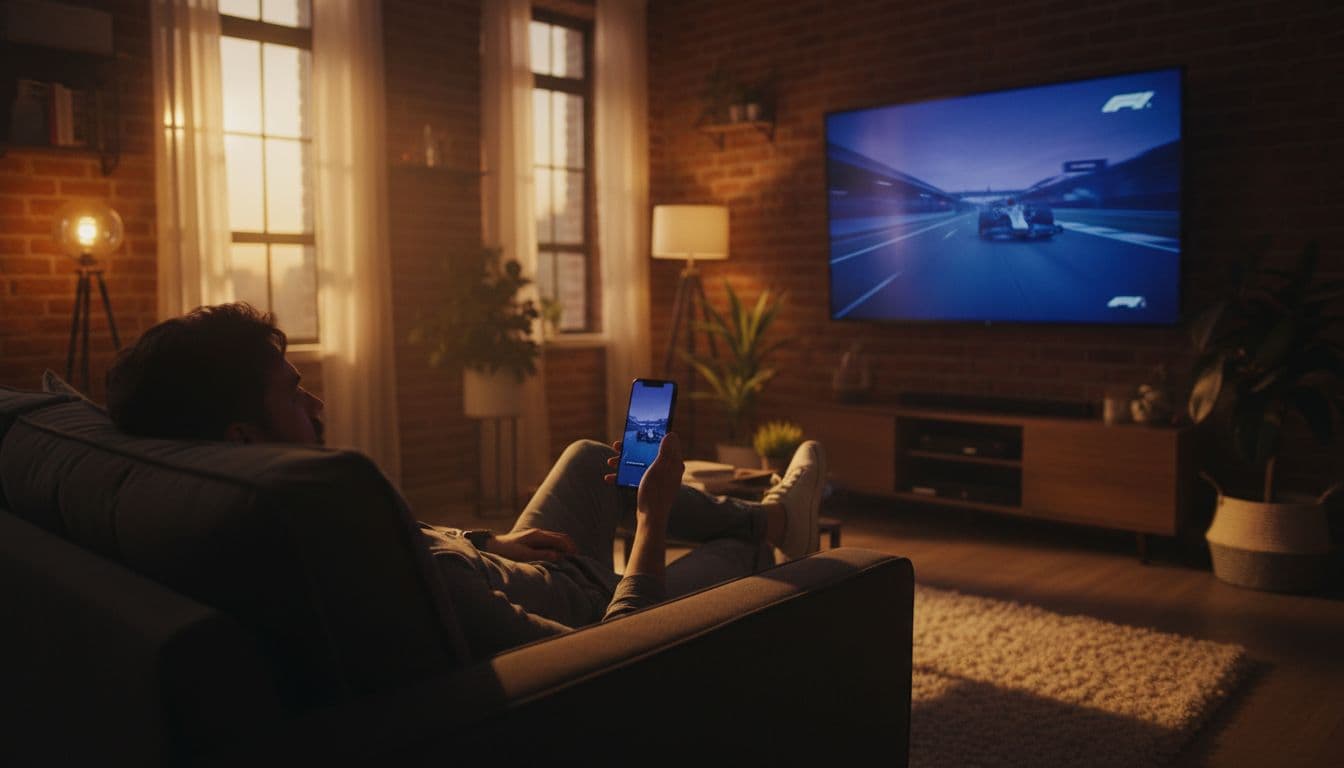
Watching on smart TVs, phones, tablets, and streaming sticks
Device support can make or break the whole experience. A service may look great on paper, then feel clumsy on your TV or limit how many screens can log in at once.
This quick comparison helps:
| Viewing setup | Best for | What to check |
|---|---|---|
| Smart TV app | Main race-day viewing | App speed, 4K or HD support |
| Phone or tablet | Watching on the go | Mobile data use, picture stability |
| Streaming stick | Older TVs | App support, remote control ease |
| Laptop browser | Fast setup | Browser support, casting options |
In short, check compatibility before paying. Also look at login limits, since many homes watch on more than one screen during a race weekend.
How to choose the right live F1 streaming service
Not every viewer needs the same thing. Some people want every session live. Others care more about replays because race times don't match their schedule.
Features that matter most on race weekend
Start with picture quality. HD is the baseline, while 4K can look great if your device and internet can handle it. Then look at stability. A flashy app means little if it buffers during a safety car restart.
Replay access matters too. F1 weekends often start at awkward hours in the US, so catch-up features can be a bigger win than a slightly lower monthly price. A clear channel guide also helps, especially when sessions shift or overlap with other sports.
The best service usually gets the basics right: live channels, clean playback, quick loading, and easy replay access.
Signs a service is easy to use and worth paying for
Clear pricing is a strong sign. If a provider makes costs hard to find, that friction often shows up elsewhere too.
Good setup help also counts. That may mean app guides, simple sign-in steps, or support that answers quickly when race day is near. Multi-device access is another plus, especially if one person watches on the TV while someone else checks timing or onboard feeds on a tablet.
Look for trust signals you can verify. Plain language, device lists, replay details, and support access all matter more than big promises.
Simple tips to get a smooth Formula 1 live stream every time
Even a solid service can struggle if your setup is weak. The fix is often simple, and it starts before the formation lap.
How to reduce buffering and improve picture quality
First, use stable internet. Wi-Fi is fine in many homes, but a wired connection is better if your TV or streaming box supports it. Also close unused apps, because background traffic can drag down video quality.
If the stream keeps jumping, lower the video setting one step. A steady HD feed beats a choppy 4K feed every time. You can also restart the app or device if the picture looks soft or freezes.
What to do before the lights go out
Race-day problems usually show up in the last ten minutes, so don't wait until then. A short pre-race check can save a lot of stress:
- Open the app early: Start the stream a few minutes before coverage begins.
- Check your login: Reset your password ahead of time if needed.
- Update your device: Old app versions often cause playback issues.
- Test the sound and picture: Fixing audio sync is easier before the grid walk.
Watching live Formula 1 should feel exciting, not like troubleshooting a router. Pick a service that fits your device, budget, and habits, then test it before race weekend starts.
That way, when the lights go out, your focus stays on the track. Compare your options now, get your setup ready, and make the next live F1 session the easy one.